1080p Full HD
Twitter HD Videos
Download Twitter (X) videos in MP4 format up to 1080p 60fps with synchronized crystal-clear audio and no watermarks.
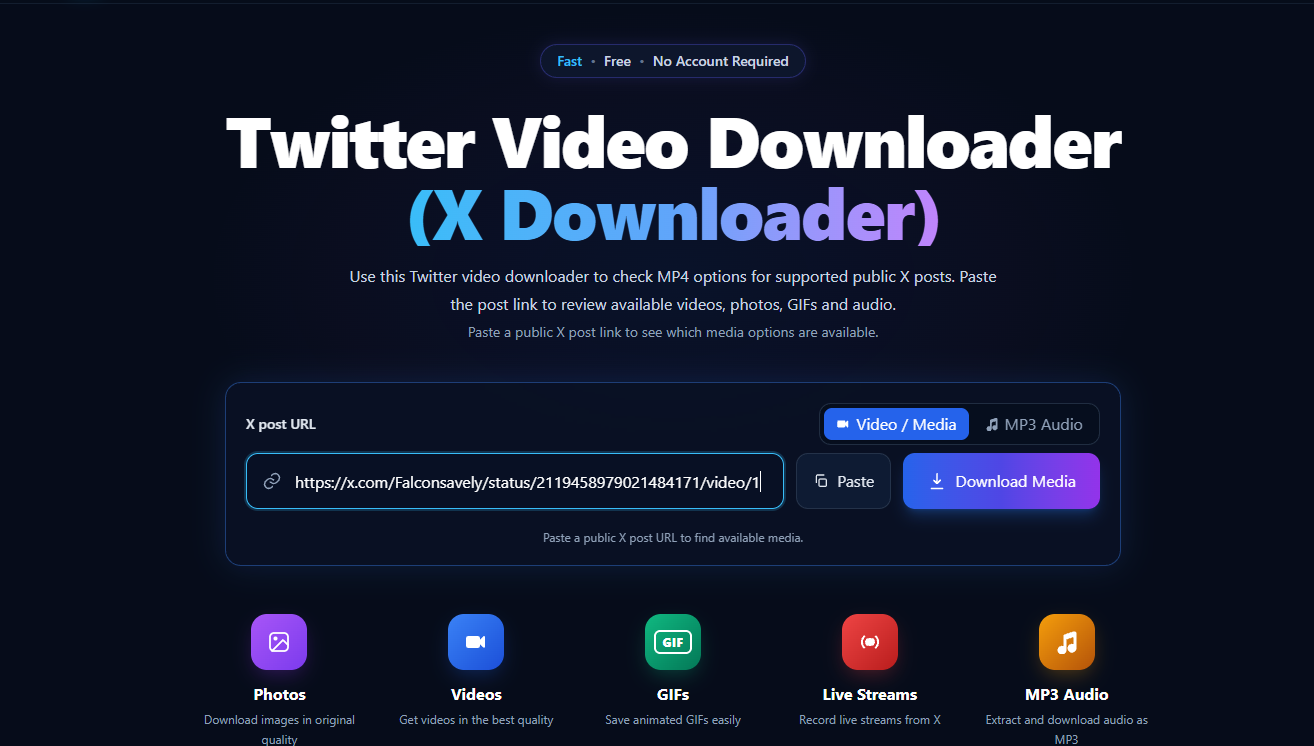
Use this x downloader to check MP4 options for supported public X posts. Paste the post link to review available videos, photos, GIFs and audio.
Paste a public X post link to see which media options are available.
Paste a public X post URL to find available media.
Supported Media Formats
Fast, high-quality downloads for every type of X (Twitter) media.
Download Twitter (X) videos in MP4 format up to 1080p 60fps with synchronized crystal-clear audio and no watermarks.
Capture, record, and save public live stream broadcasts and recorded video replays directly into standard MP4 files.
Extract high-bitrate MP3 audio from any video post, music clip, speech, or X Space without downloading the full video file.
Convert and save Twitter looping animated GIFs into lightweight MP4 format with instant playback anywhere.
Download single photos and entire multi-image galleries from X posts in their original uncompressed JPG and PNG resolution.
Features
Fast & Free Media Saver
Download videos from public Twitter (X) posts with a simple online tool. Paste the post link to check available media and save options on your phone or computer.
Looking for a Twitter to MP4 or X to MP4 converter? Paste a public post link to view the available video formats and resolutions, which may include HD options such as 1080p or 720p.
Use FalconSave as an online Twitter video saver—no account or software installation required. Open the site in a browser such as Safari or Chrome, paste the post link, and choose an available download option.
FalconSave can help you download available media from public X posts, including videos, animated GIFs, and photos. Audio download options may also be available for some posts.
Compatibility
Fast, seamless Twitter (X) video downloading across all your devices and browsers without software installation.
FalconSave works directly in iOS Safari without third-party shortcut apps or suspicious software. Easily save public Twitter (X) videos in MP4 format straight to your Apple Files app or Camera Roll.
Download Twitter and X videos on any Android device seamlessly. Works with Google Chrome, Samsung Internet, and Firefox to save high-resolution MP4 clips directly into your Downloads folder or Gallery.
Enjoy maximum download speeds on desktop. Compatible with Chrome, Edge, Firefox, and Safari on Windows, macOS, and Linux. Perfect for saving 1080p Full HD media and extracting high-bitrate MP3 audio.
How it works
Use FalconSave to check and download available media from public X (formerly Twitter) posts. Paste a post link to view the available formats and resolutions—such as MP4 video or audio options, when supported.
Open X in the app or a web browser and find the public post with the video or GIF you want to save. Tap Share and choose Copy link, or copy the post URL from your browser’s address bar.
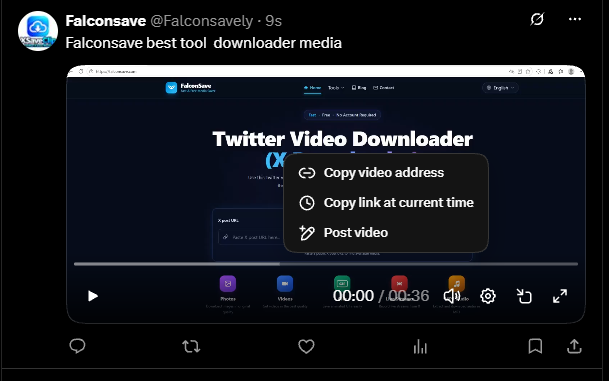
Open FalconSave in Safari, Chrome, Edge, or another mobile or desktop browser. Paste the post link into the online Twitter video downloader and click Download Media to check the available media options.
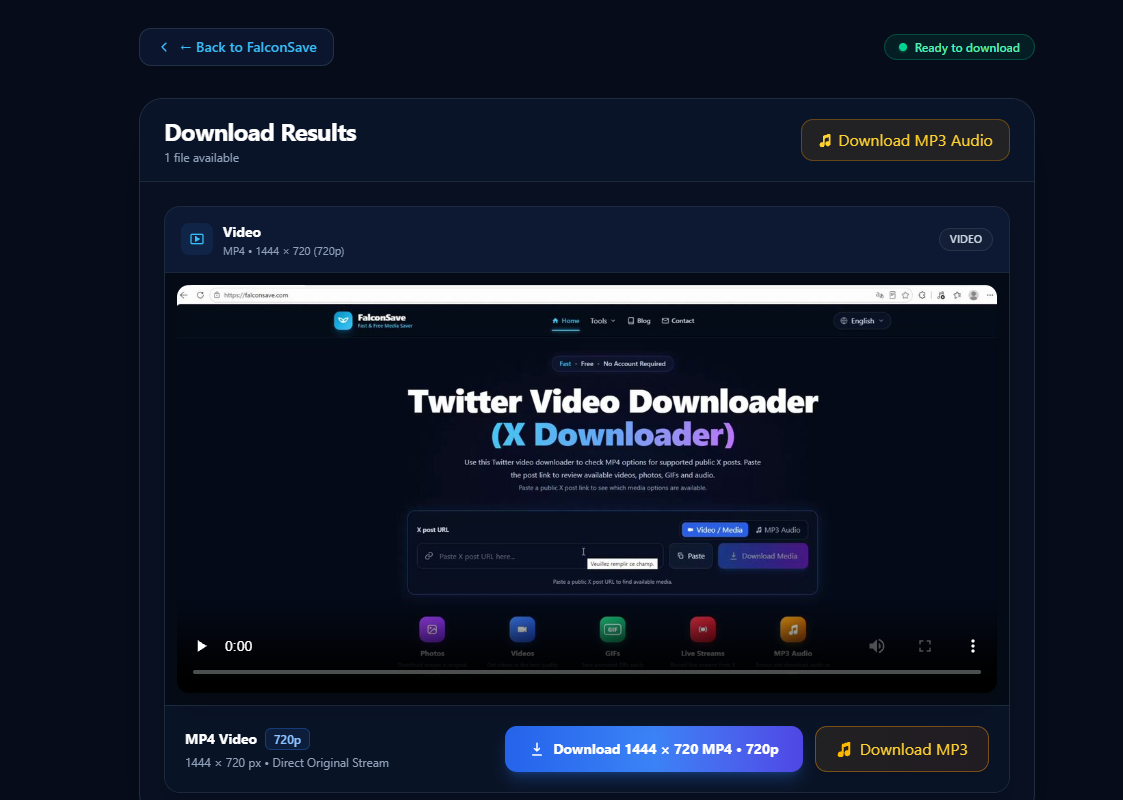
Select an available format and resolution for the post. If supported, download the video as an MP4—potentially in HD—or choose an audio option. Click Download to save the file to your phone or computer.
FAQ
Find quick answers to common questions about using X Downloader.
FalconSave is a free online tool for downloading videos, GIFs, and photos from public posts on X (formerly Twitter). When available, videos can be saved in MP4 format, and some media may also be available in higher resolutions or as audio. No software installation is needed.